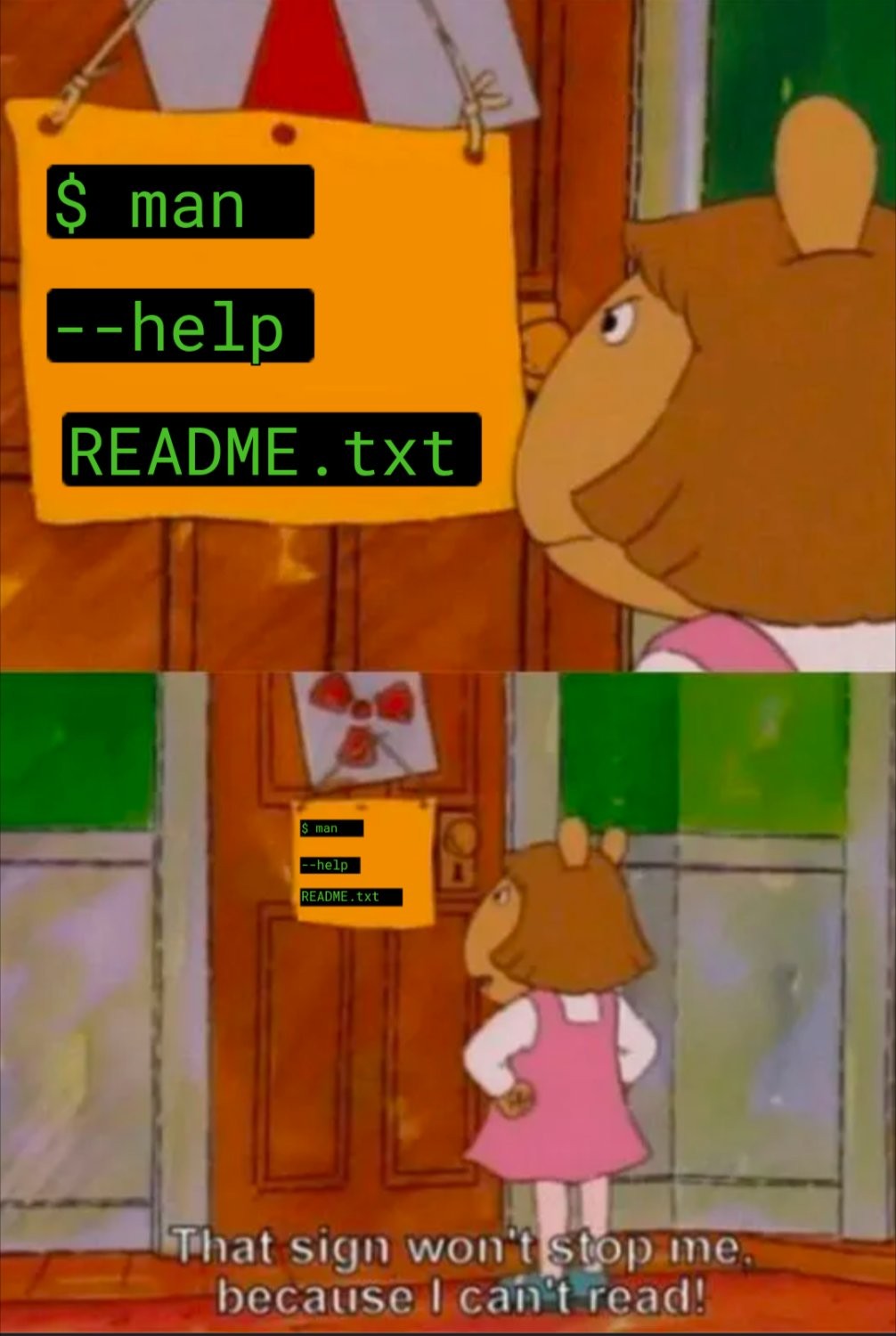
most of the time when i read man pages i come out even more clueless than before
Check
tldr
tldrFor those who didn’t know:
tldris an actual command:The tldr pages are a community effort to simplify the beloved man pages with practical examples.
Context: I’m studying computer science. When I notice my colleagues struggling with something on Linux, sometimes even getting desperate and asking AI, more often than not I manage to help or fix their problem by just reading the manual of the program they have trouble with.
And then this happens:
$ command -h Invalid argument Usage: command [subcommand] Available Subcommands: help version build etcIt’s a bash builtin, so none of these work anyway.
FWIW, most if not all bash builtins turn up when searching in
man bashfor [four spaces]command-name[space], but as someone else points out, thehelpcommand also er, helps.Or you could read the info pages.
Maybe it’s the (default) configuration on my distro, but
info bashis the same information asman bashbut with no bold text for headings and things. Ironically, I think I’d have to sit down withman infoorinfo infofor an hour or two before I could figure out how to get that formatting to show up ininfo.
That’s what help command is for.
help cd
help while
helpOooh, neat. I didn’t know about that. Thanks. That better not have been around since the 1990s or something, with me always searching the bash(1) man page to find builtin information.
$ help help|head -n2
help: help [-dms] [pattern ...]
    Display information about builtin commands.
$ git clone https://git.savannah.gnu.org/git/bash.git
$ cd bash
$ git log -S "Display information about builtin commands."|grep ^commit|tail -n1
commit 3185942a5234e26ab13fa02f9c51d340cec514f8
$ git show 3185942a5234e26ab13fa02f9c51d340cec514f8|grep ^Date
Date:   Mon Jan 12 13:36:28 2009 +0000
$
Well, it’s not the 1990s, but still. Dammit.