

[SOLVED] This seemed to have not worked before but on a closer look xfce package xfce4-netload-plugin 1.4.0 works well. This was pre-installed into MX Linux and does the job. None of you seem to be using xfce, any reasons?
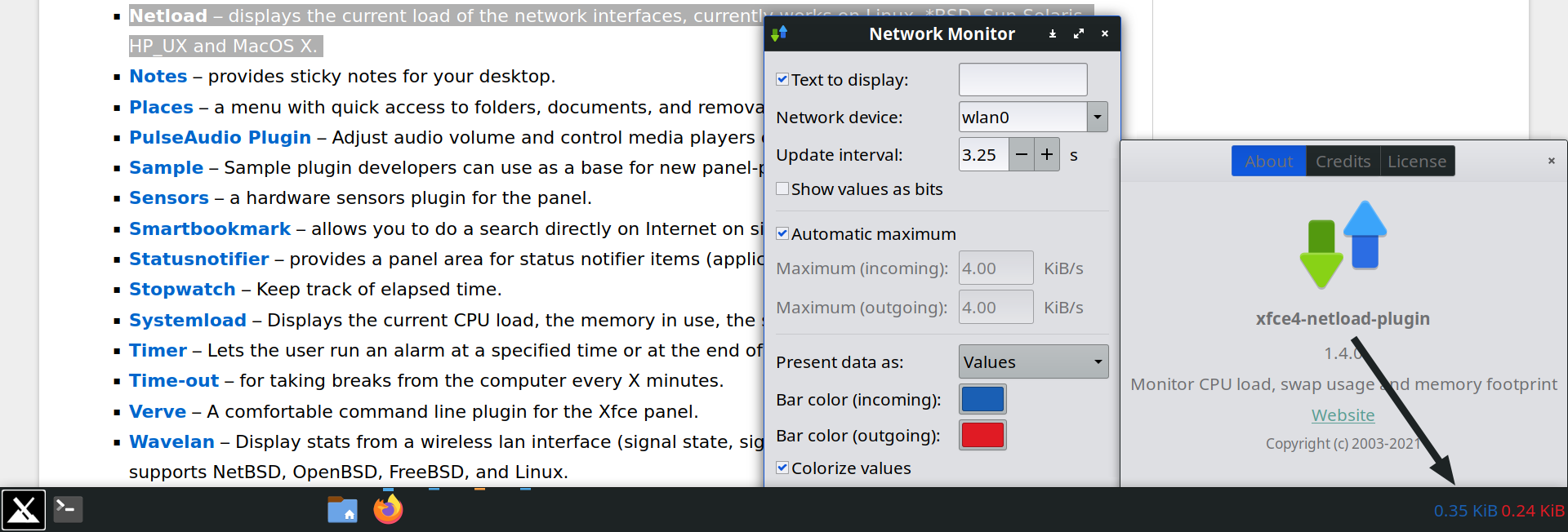
MX x86_64 Xfce 4.18 Xfwm4 with panel xfce4-panel & mx-conky
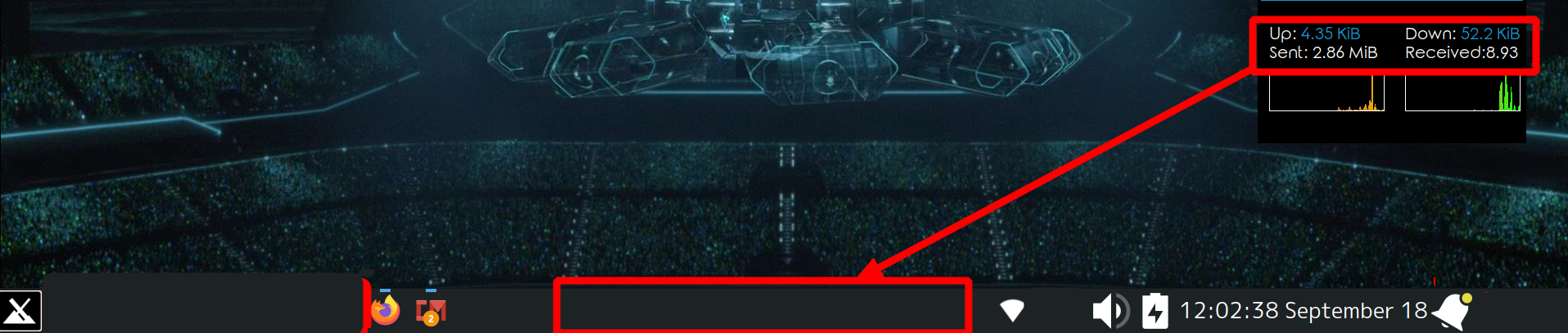 file of the conky on pastebin
or
file of the conky on pastebin
or
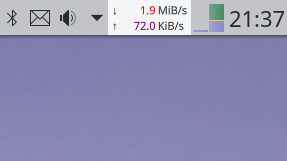 is what I am after, I don’t have a plugin for xfce that works.
I have the config file for this particular file and I have uploaded it in pastebin, I can make it appear on panel if I get the command, but I don’t know what command conky is using. I am pretty sure one can get that if they have access to this particular conky file. Unfortunately, I am not THE ONE.
Are you THE ONE? If you are, then help me please :')

this doesn’t work for me. There is no
configfile in the folder. But there are someconfigure.acconfigure.ac.inwhen I try to run them I get this error(base) bob@bob:~ $ sh '/home/bob/Downloads/xfce4-netspeed-plugin-master/configure.ac' /home/bob/Downloads/xfce4-netspeed-plugin-master/configure.ac: 1: dnl: not found /home/bob/Downloads/xfce4-netspeed-plugin-master/configure.ac: 2: dnl: not found /home/bob/Downloads/xfce4-netspeed-plugin-master/configure.ac: 3: dnl: not found /home/bob/Downloads/xfce4-netspeed-plugin-master/configure.ac: 4: dnl: not found /home/bob/Downloads/xfce4-netspeed-plugin-master/configure.ac: 6: dnl: not found /home/bob/Downloads/xfce4-netspeed-plugin-master/configure.ac: 7: dnl: not found /home/bob/Downloads/xfce4-netspeed-plugin-master/configure.ac: 8: dnl: not found /home/bob/Downloads/xfce4-netspeed-plugin-master/configure.ac: 9: dnl: not found /home/bob/Downloads/xfce4-netspeed-plugin-master/configure.ac: 11: dnl: not found /home/bob/Downloads/xfce4-netspeed-plugin-master/configure.ac: 12: Syntax error: word unexpected (expecting ")")frankly this is not worth the time
deleted by creator
it’s fine. it was actuall installed by default, I though it didn’t work which is why I tried to hunt for other packages, but now since it does, no probs. Thank you for all your help
You need to compile it first.
configure.acis not a shell script.