I cleaned it up. Your editor doesn’t like to nest formatting apparently. Using an editor that lets you write the markdown directly is probably better, and you are probably already familiar with markdown anyway, since it’s used all over the place.
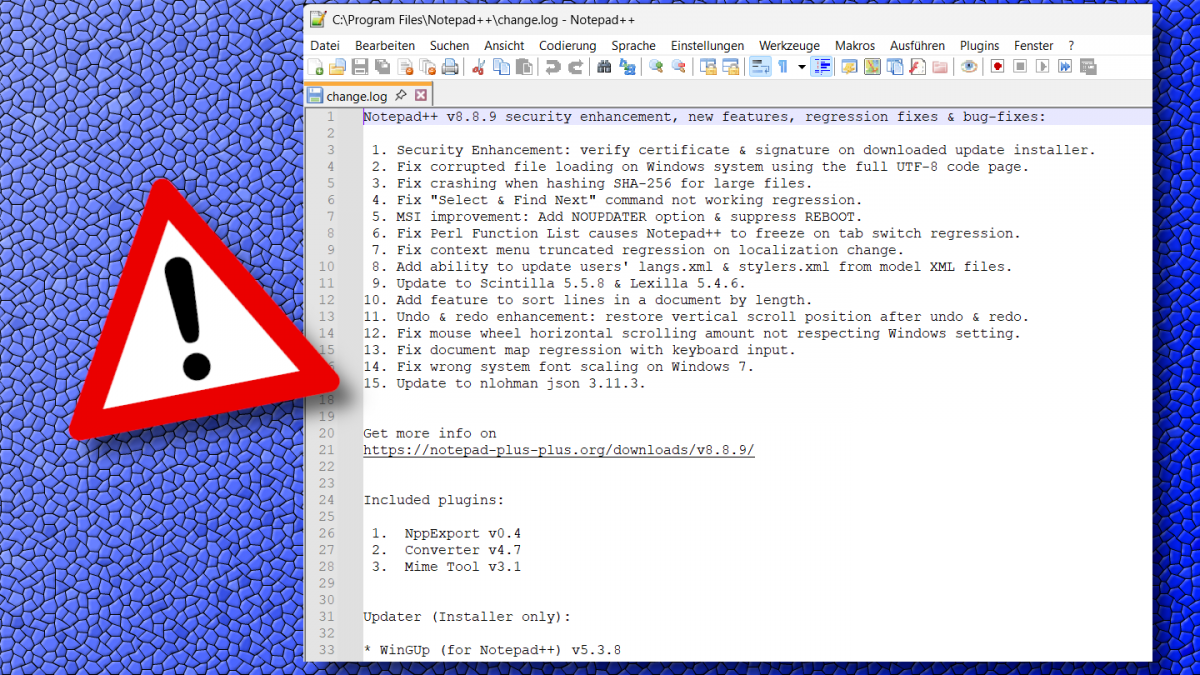
There were - and still are - many false-positives reported in the previous version v8.8.2, by the antivirus software due to the absence of Windows code signing certificate.
How to install the root certificate:
Double-click the certificate, it may tell you it’s invalid, ignore that and click: “Install Certificate…”.
In the Certificate Import Wizard, select “Local Machine”, then click Next.
If prompted by UAC (optional, depending on admin Previleges), click Yes.
Choose “Place all certificates in the following store”, then browse and select “Trusted Root Certification Authorities”. Click Next.
On the final page of the wizard, clickFinishto complete the installation.For detailed instructions, see Notepad++ User Manual.
We’re still trying to obtain a certificate issued by conventional Certificate Authorities, for a better user experience. But let’s be honest: it’s probably not happening. Notepad++ isn’t a business - it’s certainly not an enterprise - and apparently, that makes a popular open-source project invisible to their gatekeeping standards.
If the “gatekeepers” won’t issue a certificate under the name we deserve - so be it. At least it spares us from wasting time and energy on a frustrting process that demands we beg for a new certificate every 3 years. The Notepad++ Root Certificate may not carry their approval, but it leads us to freedom.
Edit (2025-12-03): Starting with v8.8.7, Notepad++ binaries - including the installer - are digitally signed using a legitimate certificate issued by GlobalSign. As a result, Installation of the Notepad++ root certificate is no longer required. We recommend that users who have previously installed the root certificate remove it.
Blorp lets you edit markdown directly. Theres an icon button to switch to the raw markdown editor (look for the M⬇️ icon). I assume you’re not using Blorp, but for anyone else reading this.


I cleaned it up. Your editor doesn’t like to nest formatting apparently. Using an editor that lets you write the markdown directly is probably better, and you are probably already familiar with markdown anyway, since it’s used all over the place.
Thank you kind stranger
Blorp lets you edit markdown directly. Theres an icon button to switch to the raw markdown editor (look for the M⬇️ icon). I assume you’re not using Blorp, but for anyone else reading this.